Before redesigning your website, twelve decisions protect what is already working: visible pages, their URLs, Google data, and post-launch monitoring.
Why a redesign fails before the first wireframe is drawn
The new site can be more attractive, faster, and better organised, and still lose its inbound enquiries three weeks after launch. The cause is mechanical: the old URLs no longer lead to the pages that replaced them.
An established site has accumulated invisible capital: ranked pages, external links, and vocabulary that visitors already use. Changing the structure without inventorying that capital means starting from scratch.
The other failure is organisational. No objective is quantified, and nobody has written down who sets up the redirects or who checks indexing. Decisions then get made on design, not on what generates enquiries.
Decisions to make before the project begins
The first four points turn a design project into a measurable one. They replace four sets of scattered notes with four assignable decisions.
01
Write down a number and a deadline, for example, doubling quote requests within twelve months. 'Modernising the image' allows no assessment.
02
Pull from Google Search Console the pages receiving impressions and clicks over twelve months. This list is the site's asset base.
03
Note the queries that bring those visits. The words people actually search for are not always the ones the business uses internally.
04
For each URL: keep, merge, or remove. This decision directly becomes the redirect plan.
The checks that protect visibility
The redirect plan connects each old URL to the page covering the same topic. Redirecting everything to the homepage transfers nothing: Google treats it as a disguised 404.
- Permanent redirect301 redirect
A server-level instruction indicating that a URL has permanently moved, providing the new address. The visitor lands on the correct page without noticing, and the search engine transfers to it what the old page had earned. Its temporary counterpart, the 302, says the opposite: 'come back, the old URL will be back in service', hence its use during maintenance, never during a redesign.
Before the switch, the team exports Search Console and Google Analytics. On the day itself, it verifies that the sitemap contains only the new valid pages and that robots.txt declares it.
The final check comes down to one line of code: the staging environment must not carry its indexing block onto the live site.
Inherited from staging
<meta name="robots" content="noindex, nofollow">
Expected in production
<meta name="robots" content="index, follow">
The complete absence of the tag is equivalent to 'index, follow': it is the presence of noindex that causes the problem, not the absence of the second line.
The contract and post-launch monitoring
The last four points are not maintenance details. They define who acts, with what budget, and on what date the result will be assessed.
09
The contract specifies who writes the content, who sets up the redirects, and who checks indexing.
10
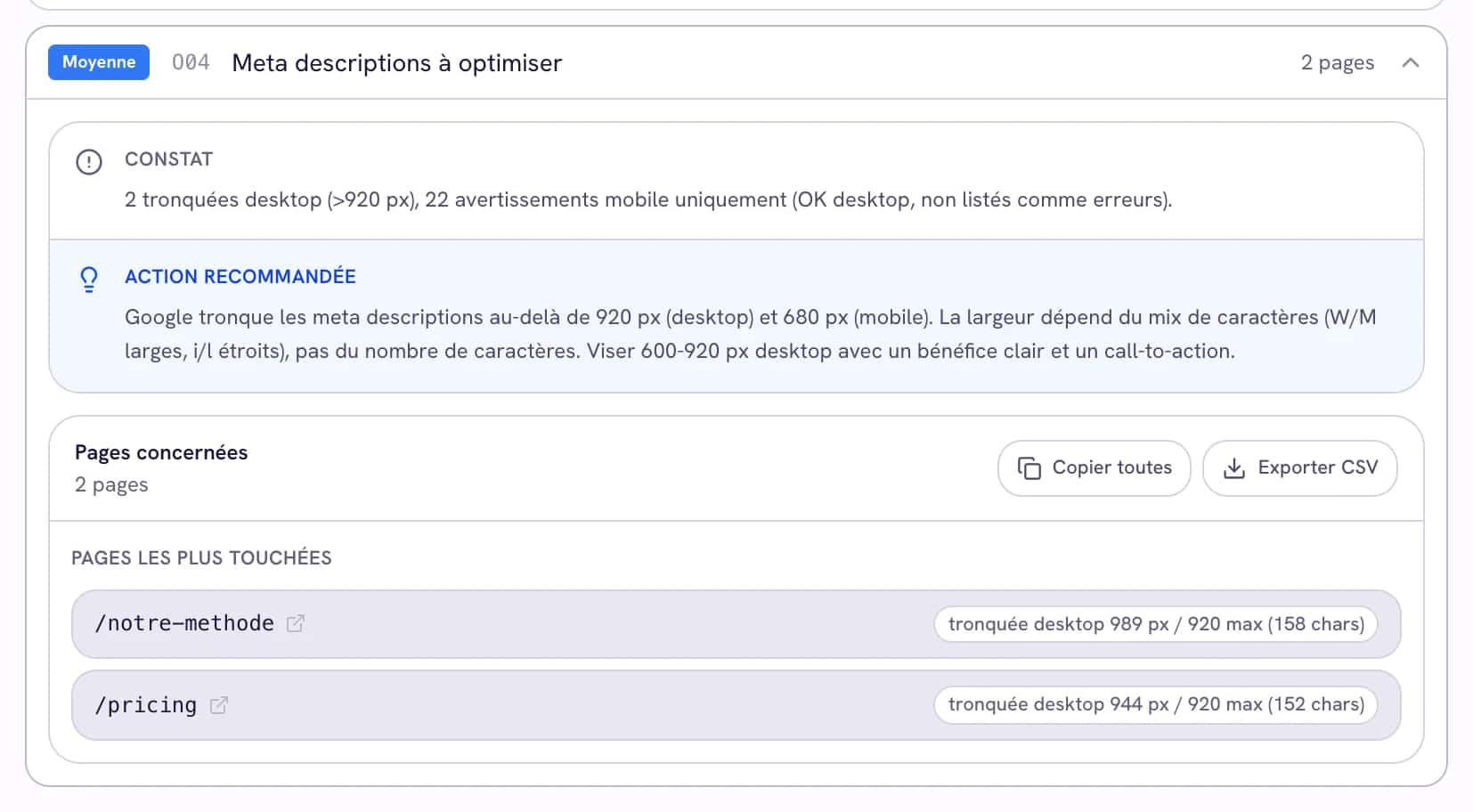
The title tags and meta descriptions of the most-visited pages are reviewed page by page, without a generic template.
11
A budget remains available for corrections that come to light during the first few weeks.
12
A first check at two weeks, then a comparison at three months against the exports made before the switch.
What the screen shows before and after the switch
The usual advice stops at redirects. That is necessary and not sufficient: a redirect in place does not prove it leads anywhere, nor that the rest survived. A redesign is not judged on launch day, it is judged on the gap between two audits.
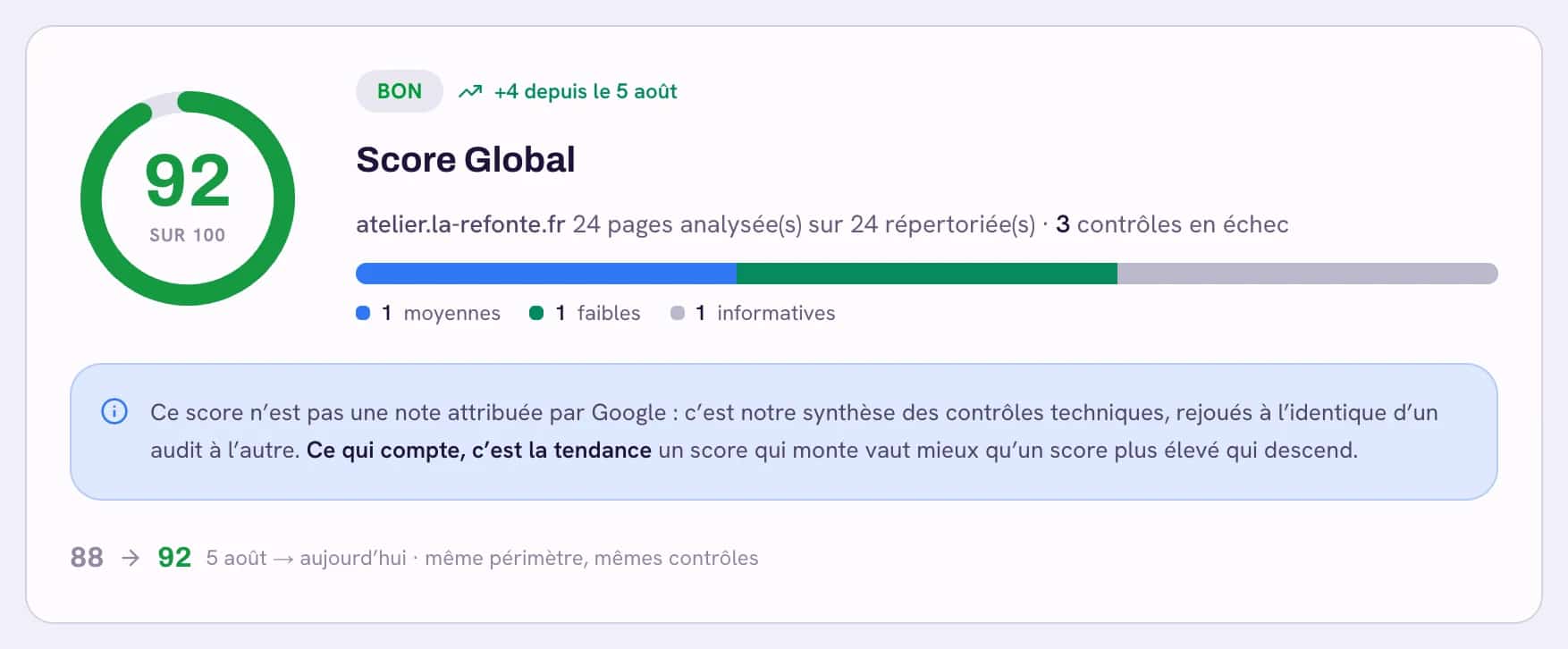
The principle has three steps. An audit before the switch sets the baseline: the live pages, and the addresses concerned by each finding. An audit afterwards replays exactly the same checks. The comparison then shows what was resolved, what appeared, and the score gap between the two.
That gap answers the question, not a feeling of smoothness.
| Check | What it catches after a switch |
|---|---|
| L01 | Addresses that no longer lead anywhere. Every link pointing there sends a visitor into a wall. |
| L02 | The soft 404: an empty page that still answers "all good". Google treats it as an error, without saying so. |
| C01 | A staging robots.txt still forbidding crawling of the live site. |
| C02 and C04 | A missing sitemap, or one listing addresses that no longer respond. |
| T01 | The insecure version left reachable, and therefore indexable twice. |
The cross-check that makes the difference is not in that list: it is setting the pages that had impressions in Search Console against the addresses now returning errors. A 404 on a page nobody visited is a detail. The same 404 on a page that earned traffic is why visits fall three weeks after a redesign that looked successful on paper.
In the Atelier SEO workspace, those two readings live in the same place: the audit report names the URLs concerned by each finding, and Search Console tracking says which ones mattered.
- Redirects come before everything
Iris ranks corrections by effect: a dead address that used to receive visits is fixed before any content improvement. The order is derived from the data, not from a generic scale.
- Every finding comes with its addresses
The action plan does not say "fix the 404s", it lists which ones, on which pages, and what each was costing.
- A re-audit verifies, it does not take your word
A task is only marked done when the matching codes have disappeared from a later audit. A manually ticked box stays distinct from a verified finding.
- Applying, when the team cannot
If nobody internally can put the redirects in place in time, support takes over. If the site being rebuilt cannot properly carry the intended structure, the formula with a redesign included, committed over six months, covers the rebuild and the follow-up.
How to preserve the SEO work already earned
Keep URLs when there is no reason to change them. A new design does not require rewriting URL structures.
Redirect one by one when a URL changes. Each old page should lead to the new page that genuinely covers the same topic.
Start by updating content that is already performing. A page that has ranked for two years has found its audience; rewriting it entirely triggers a full re-evaluation.
Three questions to check the key points landed
These are the three decisions that come up most often, and the three mistakes that cost the most.
Question 1 of 3
The checklist to share with your agency
This table serves as a roadmap: a 'done' column and a 'by whom' column are enough to manage it.
| Checkpoint | When |
|---|---|
| 1. Redesign objective written with a number and a deadline | Before the project starts |
| 2. Pages already receiving traffic exported over twelve months | Before the project starts |
| 3. Queries driving rankings noted and saved | Before the project starts |
| 4. Keep, merge, or remove decision made for each URL | Before the project starts |
| 5. Redirect plan finalised and tested URL by URL | Before the switch |
| 6. Search Console and Analytics exports completed | The day before the switch |
| 7. Valid sitemap declared in robots.txt | On the day of the switch |
| 8. No noindex tag inherited from the staging environment | On the day, then at one week |
| 9. Scope written out: content, redirects, indexing | Before signing |
| 10. Title tags and meta descriptions checked on the most-visited pages | At the switch |
| 11. Monitoring budget separate from the build budget | Before signing |
| 12. Two benchmarks scheduled in advance: at two weeks, then at three months | After launch |
Questions that come up before signing
These answers complement the list without repeating the twelve checks.
How long does a redesign cause a drop in visibility?
A well-prepared redesign produces a few weeks of instability while Google recrawls the site and follows the redirects. On a large site, this period is longer. What is not normal is failing to return to pre-redesign levels at three months: at that point, the problem is structural, and it is almost always found in the redirects or a crawl block.
Should you keep the old URLs or take the opportunity to reorganise everything?
Keep them when there is no reason to change them. A new design does not require rewriting URLs. A structural change should be made for a business reason, a product line being discontinued, a service being split, not out of project habit, because every changed URL is a redirect to set up, test, and maintain.
Who should set up the redirects, the agency or us?
It doesn't matter, as long as it is written down before the project begins. This is point 9, and it is the one most often missing: the agency assumes the client is handling it, the client assumes the opposite, and the question surfaces on the day of the switch.
Can you redesign a site without a monitoring budget?
Technically yes, but the first few weeks always reveal corrections to make: missing redirects, lost tags, forgotten pages. A project that has spent its entire budget at launch has no way to address them, and those corrections are what determine the final result.
Auditing the current site automatically produces points 2, 4, 7, 8, and 10 with the relevant URLs.

Trust & E-E-A-T